Uninstall Guide
If UFile isn't meeting your needs, follow these simple steps to completely remove the application from your Windows system.
Open Settings
Click on the Start menu and select the Settings gear icon to access your system preferences.
Go to Apps
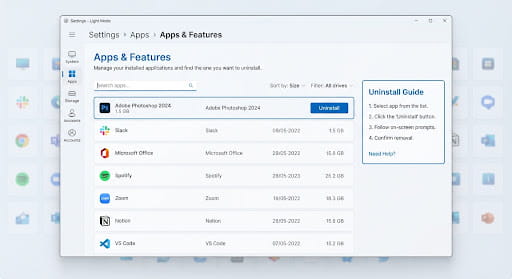
In the Settings window, locate and click on the Apps category from the sidebar or main panel.
Find UFile
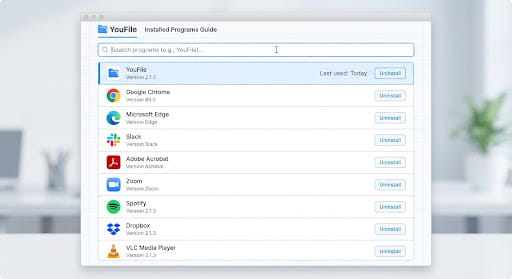
Scroll through your installed applications list or use the search bar to find UFile.
Click Uninstall
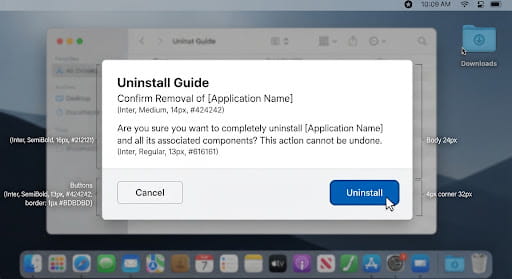
Select UFile, click the Uninstall button, and follow any remaining on-screen prompts.
Having Trouble?
If you're experiencing issues during the uninstallation process, or if UFile isn't appearing in your apps list, please contact our support team. We're here to help ensure your experience remains smooth, even if you choose to leave.